
How to Track Your Crypto Portfolio as a Beginner
- 30 Dec 2025
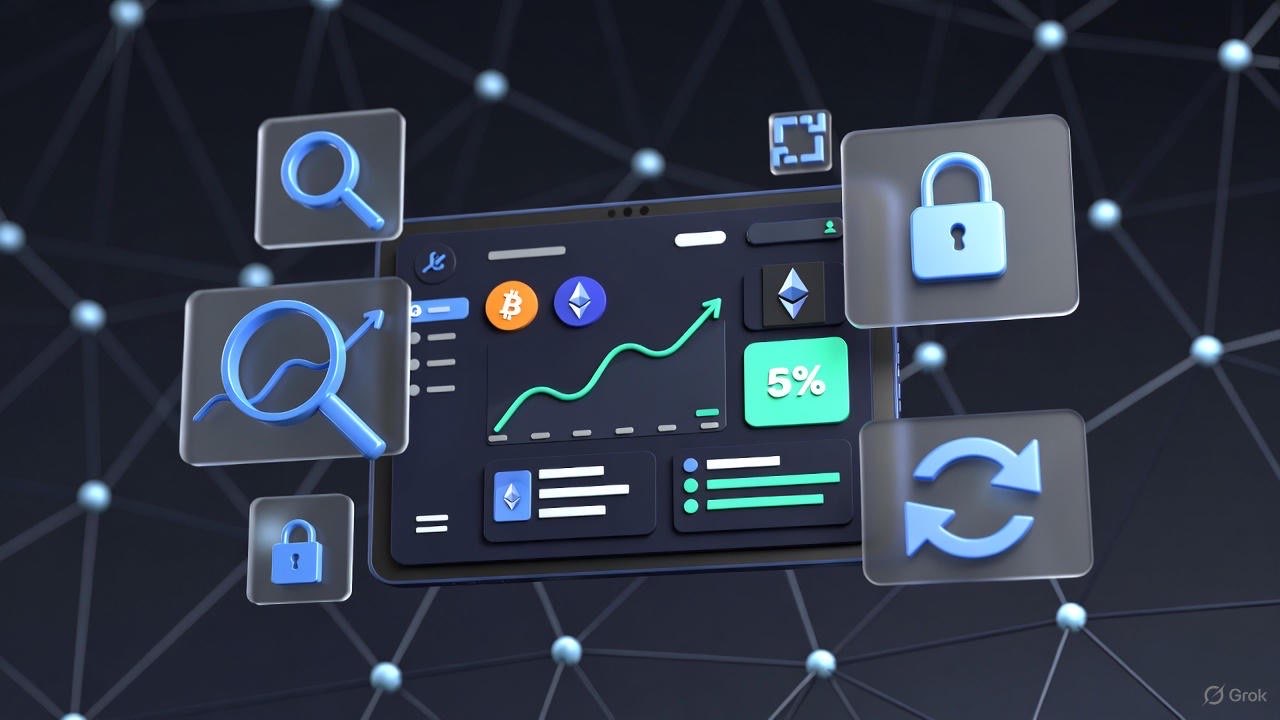
How to Track Your Crypto Portfolio as a Beginner
Tracking your crypto portfolio may seem overwhelming at first. With dozens of wallets, hundreds of tokens, and constant price changes, it’s easy to feel lost. But portfolio tracking doesn’t have to be complicated, and starting simple is often the best way for beginners to build confidence.
This guide covers manual tracking, automated tools, privacy considerations, and best practices, while linking to related beginner resources in our cluster to help you gradually level up.
Why Tracking Matters
Before diving into methods, it’s important to understand why tracking your crypto portfolio is essential:
- Know your holdings: You can’t manage what you don’t know you have.
- Measure performance: Track gains, losses, and allocation over time.
- Compliance and taxes: Many jurisdictions require reporting on crypto gains. Our crypto tax guide explains this in plain English.
- Safety and risk management: Seeing all wallets in one place can highlight exposure to risky tokens, rug pulls, or scams. Review crypto scams explained for context.
Tracking doesn’t have to be a full-time job. Even basic tracking can save you headaches and help you make smarter investment decisions.
1. Manual Tracking: The Beginner-Friendly Approach
For privacy-conscious beginners, manual tracking is the safest and simplest way to start. All you need is a spreadsheet, a list of wallets, and some basic math.
Step 1: Create a Spreadsheet
Columns to include:
- Token Name: e.g., Bitcoin (BTC), Ethereum (ETH), USDC
- Wallet / Source: e.g., MetaMask, Ledger, exchange account
- Purchase Date & Price: For tracking gains
- Quantity Held
- Current Price
- Current Value (Quantity × Current Price)
- Notes: Any special info like staking or locked tokens
Example:
| Token | Wallet | Purchase Price | Quantity | Current Price | Current Value | Notes |
|---|---|---|---|---|---|---|
| BTC | Ledger | $25,000 | 0.05 | $28,000 | $1,400 | Long-term hold |
| ETH | MetaMask | $1,200 | 1.5 | $1,500 | $2,250 | Staked on Lido |
Step 2: Update Regularly
- Weekly updates are sufficient for beginners
- Focus on learning trends, not watching minute-by-minute fluctuations
- Use live price trackers like CoinGecko or CoinMarketCap to update your current prices
Step 3: Understand Wallet Addresses
Manual tracking requires knowing your wallet addresses. Check out our guide on setting up your first wallet to understand address formats and best practices for privacy.
Advantages of Manual Tracking
- Full control over data; no privacy leaks
- Deep understanding of your portfolio structure
- Helps beginners learn about tokens, wallet types, and transfers
Limitations
- Time-consuming as holdings grow
- Difficult to track multiple wallets and exchanges
- Not ideal for rapid trading or large-scale memecoin tracking
2. Automated Tools for Portfolio Tracking
Once comfortable with manual tracking, automated tools make life easier, especially if you’re launching multiple tokens or tracking memecoin experiments.
Popular Types of Tools
- Portfolio Tracker Apps
- Examples: Blockfolio (FTX), Delta, CoinStats
- Features: Real-time prices, automatic wallet sync, alerts, price charts
- Web Dashboards & Browser Extensions
- Track multiple wallets by importing public addresses
- Pros: No need to give private keys; sync across devices
- Integrated Wallet Apps
- Some wallets like MetaMask, Phantom, or Exodus show portfolio balances
- Useful for beginners testing DeFi or NFTs
Privacy Considerations
- Linking exchanges or wallets exposes your holdings to the platform
- Avoid apps that require full access to private keys
- Use apps with read-only public address tracking when possible
- For more details, see tools for portfolio & memecoins
Best Practices
- Use read-only wallet import for security
- Track only the wallets you actively use
- Combine manual and automated methods: use a spreadsheet for reference
- Set up alerts for price changes or suspicious transactions
3. Advanced Features: Multi-Wallet & DeFi Tracking
As your experience grows, you may interact with:
- Multiple wallets
- DEX trading and liquidity pools
- Staking platforms and yield aggregators
Automated trackers can help:
- Consolidate balances from multiple wallets
- Track token swaps, LP positions, and staked assets
- Generate performance summaries for tax or personal review
Beginners can start small by linking one main wallet and tracking progress over a few months before adding DeFi positions.
For a beginner-friendly introduction to DeFi interactions, see DeFi basics for beginners.
4. Common Pitfalls for Beginners
Pitfall 1: Obsessing Over Minute-to-Minute Prices
Watching charts every minute leads to:
- Stress
- Impulsive decisions
- Loss of focus on learning
Instead, schedule weekly check-ins or use automated alerts.
Pitfall 2: Forgetting to Track Small Wallets
Even small wallets can accumulate memecoins or tokens from airdrops. Track them to avoid lost assets. Use tools for portfolio & memecoins to consolidate.
Pitfall 3: Ignoring Security
- Never enter your seed phrase in an app or site
- Regularly check approvals for smart contracts (crypto scams explained)
- Use hardware wallets for long-term holdings (best crypto wallets)
5. Integrating Tracking Into Your First 30 Days
A structured approach helps beginners form habits:
- Day 1–5: Manual tracking for 1–2 wallets
- Day 6–15: Explore automated apps with read-only import
- Day 16–30: Track small memecoin experiments and DeFi staking
Reference: Your First 30 Days in Crypto
6. Taxes and Compliance
Even beginners should track cost basis and portfolio history for taxes:
- Use transaction records from wallets and exchanges
- Note purchases, sales, swaps, and airdrops
- Reference our crypto taxes guide
Automated trackers often export CSVs that simplify tax reporting.
7. Beginner Takeaways
- Start manual tracking to learn wallet basics
- Add automated tools gradually
- Track only active wallets initially
- Combine tracking with safety measures (crypto scams explained)
- Use weekly reviews instead of constant monitoring
- Document all trades and DeFi interactions for tax and audit purposes (crypto taxes guide)
8. Recommended Resources & Cluster Links
- Set Up Your First Wallet – Wallet basics
- Your First 30 Days in Crypto – Beginner roadmap
- Tools for Portfolio & Memecoins – Apps and dashboards
- Crypto Scams Explained – Safety tips
- Crypto Fees Explained – Learn transaction costs
- Do I Have to Pay Taxes on Crypto? – Tax basics
- DeFi Guide for Beginners – Tracking DeFi positions
Conclusion
Tracking your crypto portfolio as a beginner is about building habits and understanding your holdings. Start manual, gradually integrate tools, and always prioritize security and privacy. By following the cluster guides and using both spreadsheets and read-only apps, beginners can confidently manage multiple wallets, track DeFi positions, and prepare for taxes—all while avoiding common pitfalls.
Tracking isn’t just about numbers—it’s about developing discipline, safety awareness, and strategic insight for long-term success in the crypto ecosystem.
Get Weekly DeFi Alpha in Your Inbox
Weekly DeFi Alpha
56k+ traders getting my private newsletter every week
Join To Download our Ebook Free