
How to Set Up Exodus Wallet: Step-by-Step Tutorial for Beginners
- 23 Dec 2025
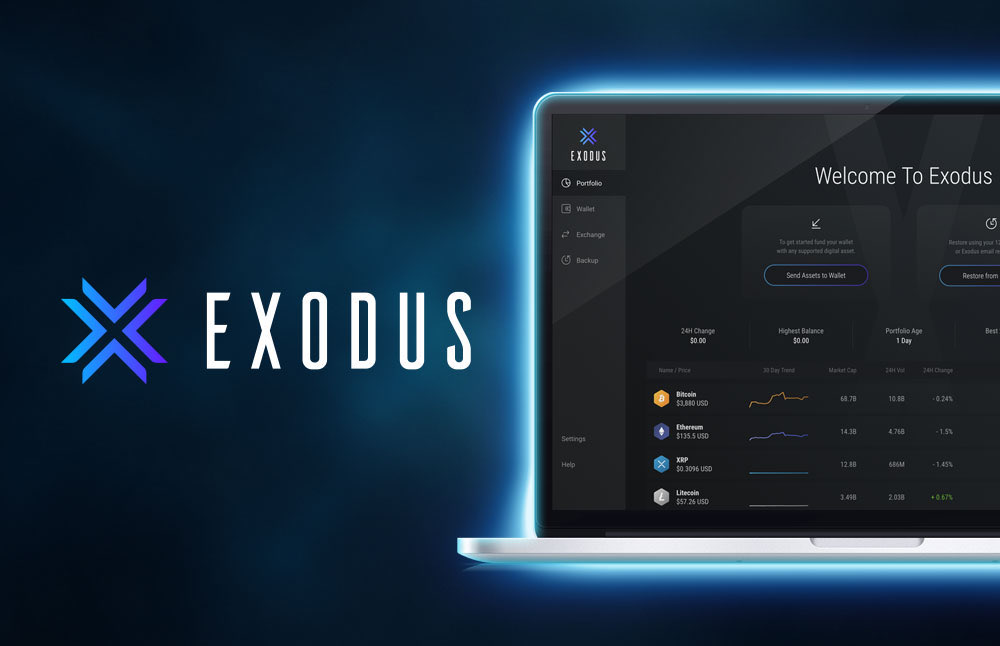
This is definitely a OG wallet for beginners, I really love the UI and the smoothness of the wallet. If you plan on buying lots of different coins this is the wallet for you.
Exodus Wallet remains one of the most beginner-friendly and visually appealing non-custodial wallets in 2026. It supports over 300 cryptocurrencies and thousands of tokens across major blockchains including Bitcoin, Ethereum, Solana, Cardano, BNB Chain, Polygon, Avalanche, and many others—all in a single, beautifully designed app.
What sets Exodus apart is its polished interface, built-in exchange for swapping assets, portfolio tracking with charts, staking options, and seamless sync between desktop and mobile. It’s available as a desktop app (Windows, Mac, Linux) and mobile app (iOS and Android), with optional hardware wallet integration.
As a closed-source but heavily audited non-custodial wallet, you control your private keys and 12-word recovery phrase. This guide will walk you through setting up Exodus safely, backing up your phrase, and preparing for your first transactions—helping you avoid the 10 Biggest Crypto Mistakes Beginners Make in 2026.
Why Choose Exodus Wallet as a Beginner?
Exodus is ideal for newcomers who want simplicity without sacrificing features:
- Stunning Design: Clean, intuitive layout with real-time charts—perfect for tracking your portfolio.
- Broad Asset Support: Hold Bitcoin, Ethereum, altcoins, and tokens in one place.
- Built-in Exchange: Swap assets directly in the wallet (powered by reliable partners).
- Desktop + Mobile Sync: Use the same wallet across devices seamlessly.
- Staking and Rewards: Earn on select assets like SOL, ADA, or ATOM.
- Hardware Wallet Support: Pair with Trezor for enhanced security.
For comparisons with other options, see Best Crypto Wallets for Beginners in 2026: Top Picks and Reviews. Mobile-first users might compare with Trust Wallet, while EVM-focused users often prefer Rabby or MetaMask.
Prerequisites Before Starting
- A computer (for desktop version) or smartphone (iOS/Android).
- A private location to write down your recovery phrase.
- Paper and pen—never store digitally initially.
Step-by-Step Guide to Setting Up Exodus Wallet
The process is straightforward and takes under 10 minutes.
Step 1: Download Exodus from the Official Website
Always download directly from the source to avoid malware:
- Visit https://www.exodus.com/download
- Choose your platform: Desktop (Windows, Mac, Linux) or Mobile (iOS/App Store or Android/Google Play links provided on site).
Warning: Only use https://www.exodus.com. Never download from third-party sites or torrents—fake versions can steal your funds.
Step 2: Install and Open the App
- Run the installer (desktop) or install from your app store (mobile).
- Open Exodus. On first launch, you’ll see options: Create New Wallet or Restore from Backup.
Step 3: Create a New Wallet
- Select Create New Wallet.
- Exodus will generate a 12-word secret recovery phrase.
- Write down the words exactly in order on paper. Do not screenshot or save digitally.
- Confirm by re-entering a few random words or the full phrase (depending on version).
This phrase is your only backup. Store it securely offline—losing it means permanent loss of access.
For additional security tips, review How to Transfer Crypto from Exchange to Wallet Safely in 2026.
Step 4: Set Up Security Features
- Create a strong password (desktop) or enable app PIN/biometrics (mobile).
- Turn on Face ID/Touch ID (mobile) or fingerprint (if supported).
- Optionally enable email notifications for large transactions.
Exodus encrypts your keys locally—no data is sent to their servers.
Step 5: Explore Your New Wallet
- Your portfolio screen shows total value and asset breakdown with beautiful charts.
- Assets are grouped by blockchain—enable/disable specific ones in settings.
- Tap/click Receive on any asset to get its deposit address.
Exodus auto-adds popular tokens and supports custom additions.
Step 6: Fund Your Wallet (Optional but Recommended)
To test the setup:
- Use the built-in Exchange tab to swap fiat or other crypto (via partners).
- Or transfer from an exchange using your Exodus receive address.
New to buying? Start with How to Buy Bitcoin for Beginners: Complete Step-by-Step Guide 2026 or How to Buy Crypto for Beginners: Complete Step-by-Step Guide 2026.
Practice sending a small amount back to an exchange to confirm everything works.
Restoring or Importing an Existing Wallet
Have a previous Exodus backup or another wallet’s phrase?
- Choose Restore from Backup on startup.
- Enter your 12-word phrase.
- Exodus will recover all supported assets and balances.
Note: Exodus primarily supports its own format—importing from other wallets (e.g., MetaMask) may require moving assets manually.
Advanced Features to Explore Later
Once comfortable:
- In-App Exchange: Swap between supported assets instantly.
- Staking: Earn rewards on PoS chains.
- Portfolio Analytics: Track performance over time.
- Trezor Integration: Use hardware wallet for signing while keeping Exodus interface.
- Web3 Browser (Mobile): Connect to some dApps.
These support long-term approaches like Dollar Cost Averaging Explained: The Best Strategy for Crypto Beginners in 2026.
Common Issues and Troubleshooting
- Assets Not Showing: Ensure the specific blockchain is enabled in settings.
- Sync Delays: Some chains take time to fully sync—refresh or restart.
- High Fees: Use custom fee settings during congestion.
- Official support: https://www.exodus.com/support
Essential Security Best Practices
- Never share your recovery phrase or password.
- Download updates only from official sources.
- Verify addresses carefully when sending.
- Avoid FOMO-driven decisions—read Crypto Investing Psychology: Mastering Emotions and Avoiding FOMO as a Beginner in 2026.
Exodus makes managing a diverse portfolio enjoyable and secure. Whether you’re holding top assets from Top 10 Cryptocurrencies Explained for Absolute Beginners in 2026 or debating Bitcoin vs Ethereum: Which is Better for Beginners in 2026, Exodus provides an excellent all-in-one home.
Welcome to beautiful self-custody—enjoy building your portfolio!
Get Weekly DeFi Alpha in Your Inbox
Weekly DeFi Alpha
56k+ traders getting my private newsletter every week
Join To Download our Ebook Free