
How to Set Up OKX Wallet: Step-by-Step Tutorial for Beginners
- 24 Dec 2025
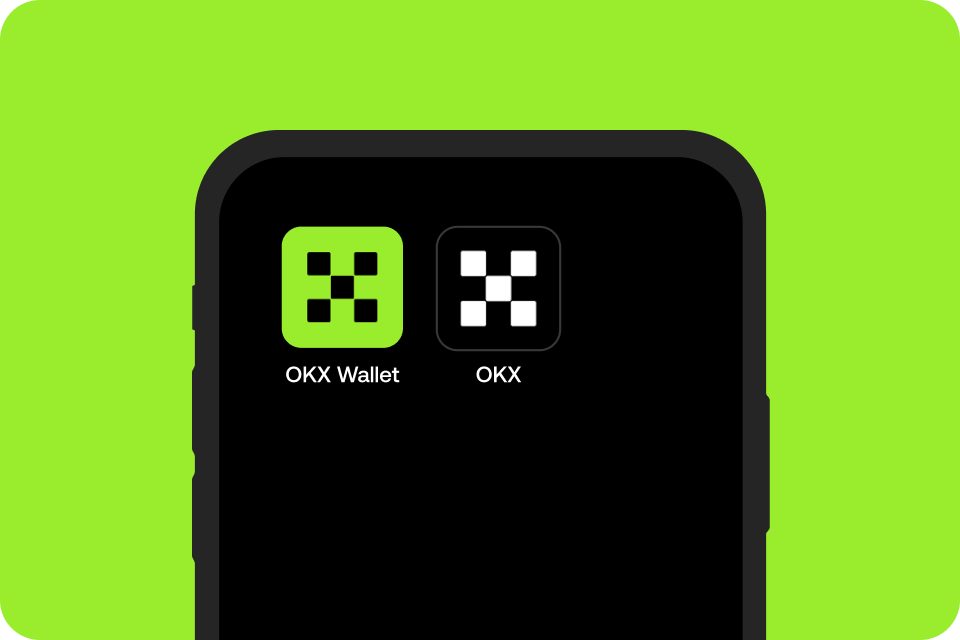
OKX Wallet is one of the most versatile non-custodial wallets available in 2026, ideal for beginners transitioning from centralized exchanges to full self-custody. It supports over 100 blockchains—including Bitcoin, Ethereum, Solana, BNB Chain, Polygon, Avalanche, and many more—allowing you to manage thousands of tokens, NFTs, and DeFi positions in one place.
What makes OKX Wallet stand out is its all-in-one Web3 gateway: built-in DEX aggregator for best-price swaps, direct access to thousands of dApps, NFT marketplace integration, staking opportunities, and advanced risk detection for safer transactions. It’s available as a mobile app (iOS and Android) and browser extension, with seamless cross-device sync.
As a true self-custodial wallet, you alone control your private keys and seed phrase. This embodies the core crypto principle explained in What is Cryptocurrency? A Complete Beginner’s Guide to Blockchain in 2026.
In this tutorial, we’ll guide you through creating a new OKX Wallet, securely backing up your recovery phrase, and preparing to receive or swap your first assets. We’ll also cover importing existing wallets and essential security tips to steer clear of the 10 Biggest Crypto Mistakes Beginners Make in 2026.
Why Choose OKX Wallet as a Beginner?
Here’s why OKX Wallet is increasingly popular among new users:
- Unmatched Multi-Chain Support: Over 100 networks in one wallet—no need for multiple apps.
- Built-in Web3 Tools: Swap across chains, browse dApps, manage NFTs, and earn yield without leaving the interface.
- Advanced Security Features: Transaction risk scanning, anti-phishing alerts, and optional hardware wallet integration.
- User-Friendly Interface: Clean dashboard with portfolio overview, ideal for tracking diverse holdings.
- No KYC Required for Wallet Use: Full privacy while maintaining self-custody.
For comparisons with other options, see our roundup in Best Crypto Wallets for Beginners in 2026: Top Picks and Reviews. If you’re focused on Ethereum dApps, compare with How to Set Up MetaMask Wallet: Step-by-Step Tutorial for Beginners 2026.
Prerequisites Before Starting
- A smartphone (iOS/Android) or computer with Chrome browser.
- A private, distraction-free environment to note your recovery phrase.
- Paper and pen for backup—never store digitally initially.
Step-by-Step Guide to Setting Up OKX Wallet
The process is quick and straightforward, usually under 5 minutes.
Step 1: Download OKX Wallet from Official Sources
Download only from verified channels to avoid scams:
- Mobile App (Recommended for Beginners):
- iOS: App Store – Search “OKX: Buy Bitcoin, ETH & Crypto” or visit https://apps.apple.com/app/okx-buy-bitcoin-eth-crypto/id6444083989 (the wallet is integrated).
- Android: Google Play Store – Search “OKX” or use the official link.
- Browser Extension (Ideal for DeFi and dApps):
- Visit https://web3.okx.com/download or go directly to the Chrome Web Store and search “OKX Wallet”.
Critical Warning: Always verify you’re on https://www.okx.com or https://web3.okx.com. Phishing sites mimic these exactly.
Step 2: Install and Launch the Wallet
- Install the app or add the extension.
- Open OKX Wallet. You’ll be greeted with options: Create Wallet or Import/Recover Wallet.
Step 3: Create a New Wallet
- Select Create Wallet.
- Choose Seed Phrase Wallet (standard 12-word phrase) for full compatibility.
- The wallet generates your secret recovery phrase.
- Write down the 12 words in exact order on paper. Never screenshot or type into any device.
- Verify by re-entering the words to confirm.
This phrase is your ultimate backup—if you lose access, it’s the only way to recover funds. Store it offline and secure.
Learn more about safe transfers in How to Transfer Crypto from Exchange to Wallet Safely in 2026.
Step 4: Secure Your Wallet
- Set a strong password or PIN.
- Enable biometrics (Face ID/Touch ID or fingerprint) for quick access.
- The wallet uses device-level encryption—no data leaves your phone/browser.
Step 5: Explore the Dashboard
- Your main screen shows total portfolio value and assets across chains.
- Switch networks easily via the chain selector.
- Tap Receive to get addresses for any supported chain (e.g., Ethereum for ETH, Bitcoin for BTC).
OKX auto-manages addresses and supports custom token additions effortlessly.
Step 6: Fund Your Wallet (Optional Test)
To verify setup:
- Use the built-in Buy feature (via partners) for direct crypto purchases.
- Or transfer from an exchange using your OKX receive address.
New to purchasing? Check How to Buy Bitcoin for Beginners: Complete Step-by-Step Guide 2026, How to Buy Ethereum for Beginners: Complete Step-by-Step Guide 2026, or How to Buy Crypto with Credit Card or PayPal in 2026.
Start small to practice sending/receiving.
Importing an Existing Wallet into OKX
Switching from another wallet (e.g., MetaMask, Phantom, Trust Wallet, or Xverse)?
- Choose Import Wallet on startup.
- Enter your existing 12/24-word seed phrase.
- OKX detects compatible chains and imports balances, tokens, and NFTs automatically.
This works seamlessly across EVM and non-EVM chains.
Advanced Features to Explore as You Grow
Once comfortable:
- DEX Aggregator: Swap assets cross-chain with best rates.
- Discover Tab: Browse dApps, DeFi protocols, and NFT marketplaces.
- Earn Section: Stake or lend for yields (similar to strategies in Dollar Cost Averaging Explained: The Best Strategy for Crypto Beginners in 2026).
- Risk Scanner: Automatic warnings for suspicious transactions.
- Hardware Support: Connect Ledger or other devices for enhanced security.
Common Troubleshooting
- Assets Not Showing: Switch networks or add custom tokens manually.
- Sync Delays: Refresh or restart—NFTs/Ordinals may take time.
- Connection Issues: Ensure latest app/extension version.
- Official support: https://web3.okx.com/help
Essential Security Best Practices
- Never share your seed phrase or password.
- Beware of fake apps/sites—always double-check URLs.
- Use transaction simulation/previews.
- Temper expectations and avoid impulsive moves—review Crypto Investing Psychology: Mastering Emotions and Avoiding FOMO as a Beginner in 2026.
OKX Wallet empowers beginners to explore the full crypto ecosystem securely. Pair it with knowledge of top assets from Top 10 Cryptocurrencies Explained for Absolute Beginners in 2026 or debates like Bitcoin vs Ethereum: Which is Better for Beginners in 2026.
Welcome to true on-chain freedom—start small and build confidently!
Stay in the loop →
Powered by EverRank, and created by GalaxyBuilt
Get Weekly DeFi Alpha in Your Inbox
Weekly DeFi Alpha
56k+ traders getting my private newsletter every week
Join To Download our Ebook Free
Read Next_
Best Crypto Debit Cards That Pay Rewards in 2026
Beginner-friendly guide to the best crypto debit cards in 2026, featuring cashback, token rewards, and real-world usability.
Best Crypto Wallets for Beginners: Top Picks and Reviews
Choosing the right crypto wallet is crucial for security and ease of use. This 2026 guide reviews the best crypto wallets for beginners, comparing software, hardware, and mobile options with pros, cons, and setup tips.
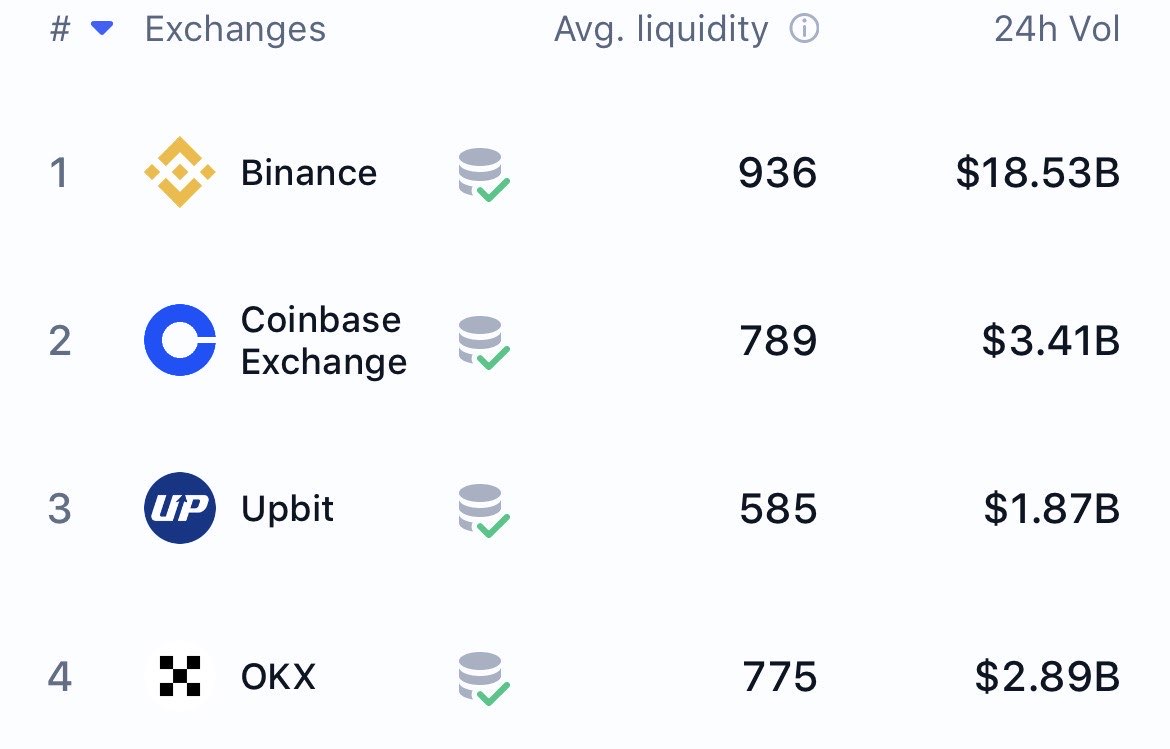
The Best Crypto Exchanges (CEX + DEX) for Bitcoin, Ethereum & Solana + Altcoins (Global + US)
Updated for 2026: Compare the top centralized + decentralized exchanges with the lowest fees, biggest bonuses, and most altcoins. Full rankings for global, US, and DEX users — includes referral links to claim up to $30,000+ in bonuses.