
How to Use Blockchain Explorers: Etherscan, Solscan, Mempool.space, and More for Beginners
- 27 Dec 2025
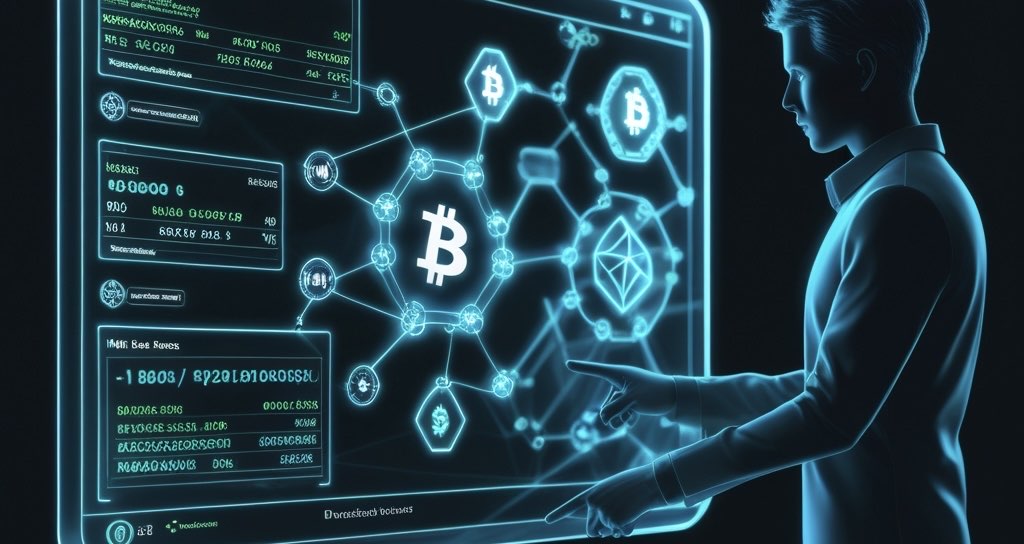
Blockchain explorers are one of the most powerful yet underappreciated tools in cryptocurrency. They function like search engines for public blockchains, allowing anyone to look up transactions, wallet balances, smart contracts, blocks, fees, and network statistics in real time—without needing an account or special software.
In 2026, as Bitcoin, Ethereum, Solana, and countless Layer-2 networks process billions in daily volume, explorers such as Mempool.space (Bitcoin), Etherscan (Ethereum and EVM chains), and Solscan (Solana) have become indispensable for beginners and experts alike. Whether you’re confirming a transfer arrived, checking if a transaction is stuck, researching a suspicious address, or simply understanding how much activity is happening on-chain, explorers give you direct, unfiltered access to the truth of the blockchain.
This in-depth guide will walk you through everything beginners need to know: what explorers are, why they matter, how to use the top ones for major chains, step-by-step instructions for tracking and verifying transactions, viewing wallet contents, understanding pending transactions (including Bitcoin’s mempool), and practical tips to stay safe. We’ll also cover Bitcoin-specific features like Ordinals and Runes viewing.
Mastering explorers is a core skill that builds on self-custody fundamentals from What is Cryptocurrency? A Complete Beginner’s Guide to Blockchain in 2026 and wallet setup tutorials. It directly helps you avoid the 10 Biggest Crypto Mistakes Beginners Make in 2026, such as sending funds to the wrong address or trusting unconfirmed transactions.
What Are Blockchain Explorers and Why Do They Matter?
At its core, a blockchain is a public, immutable ledger. Every transaction ever made is recorded there permanently. Explorers are websites (and sometimes apps) that index this data and present it in a human-readable format.
Key benefits for beginners:
- Transparency: Verify anything yourself—no need to trust an exchange or third party.
- Security: Spot scams by checking address history (e.g., has it received stolen funds?).
- Education: See exactly how transactions work under the hood.
- Troubleshooting: Diagnose stuck or failed sends.
- Network Health: Monitor fees, congestion, and adoption trends.
Important privacy reminder: Blockchain addresses are pseudonymous, not anonymous. If you ever link your address to your real identity (e.g., KYC on an exchange), all your activity becomes traceable. Use fresh addresses when possible and consider privacy tools later.
Popular explorers include:
- Mempool.space – Best for Bitcoin
- Etherscan.io – Gold standard for Ethereum and EVM-compatible chains
- Solscan.io – Leading explorer for Solana
- Blockchair.com – Excellent multi-chain alternative
How to Use Mempool.space for Bitcoin – The Most Detailed Bitcoin Explorer
Mempool.space is widely regarded as the best Bitcoin block explorer in 2026. Its clean design, real-time updates, and advanced visualizations make it perfect for beginners and power users.
Understanding the Dashboard
Open mempool.space and you’ll see:
- Latest blocks scrolling in real time
- Current mempool size (number of unconfirmed transactions waiting)
- Recommended fee rates (in sat/vB) for fast, medium, or economy confirmation
- Network hash rate, difficulty, and Lightning Network capacity
- A live fee estimator graph—essential during high-activity periods
Step-by-Step: Tracking and Verifying a Bitcoin Transaction
Let’s say you sent BTC from your Xverse wallet (How to Set Up Xverse Wallet: Step-by-Step Tutorial for Beginners 2026).
- In your wallet, copy the Transaction ID (TXID or hash) after broadcasting.
- Paste it into the mempool.space search bar.
- You’ll see detailed information:
- Status: “Unconfirmed” if still in mempool, or “Confirmed” with block height and number of confirmations.
- Inputs and Outputs: Lists every sending address/amount (inputs) and receiving address/amount (outputs). This is Bitcoin’s UTXO model in action.
- Fee and Fee Rate: Total fee paid and sat/vB rate—higher rates get prioritized.
- Size and Weight: Larger transactions (e.g., with many inputs) cost more.
- RBF (Replace-by-Fee): If enabled, you can bump the fee later.
- CPFP (Child-Pays-For-Parent): Advanced way to speed up stuck TX.
- Timestamp and Confirmations: 6+ confirmations is considered irreversible for most purposes.
Verification Tips:
- Double-check the output addresses match your intended recipient.
- Ensure no unexpected change outputs (normal, but good to understand).
- For Ordinals/Runes users: Check if any inputs contain inscriptions—good wallets like Xverse separate them to prevent accidental spending.
Viewing Your Bitcoin Wallet Contents
- Search your receiving address (e.g., bc1q… Taproot or bc1q… SegWit).
- The overview shows:
- Current balance in BTC and fiat
- List of unspent transaction outputs (UTXOs)—each “coin” in your wallet
- Full transaction history
- Click tabs for:
- Ordinals & Runes: View inscribed images, text, BRC-20 tokens, or Runes balances safely without risking spends.
- Advanced details: Script types, Lightning channels, or coinjoin indicators.
Mempool.space also offers testnet explorers—great for practicing without real funds.
How to Use Etherscan for Ethereum and EVM-Compatible Chains
Etherscan is the most trusted explorer for Ethereum mainnet and Layer-2s. Variants include Polygonscan, Arbiscan, Basescan, etc.
Navigating Etherscan
- Homepage shows latest blocks, gas prices (critical for timing transactions), and top tokens.
- Gas Tracker helps estimate low/medium/high fees.
Tracking and Verifying Ethereum Transactions
- Copy the TX hash from your wallet (e.g., MetaMask or Rabby).
- Paste into search.
- Key details:
- Status: Pending, Success, or Failed (with revert reason).
- From/To: Sender and recipient (To may be a contract for swaps/DeFi).
- Value: ETH transferred.
- Token Transfers: If ERC-20 (USDC, etc.) moved.
- Internal Transactions: Hidden moves within contracts (e.g., Uniswap trades).
- Gas Used vs Limit: Efficiency of the TX.
- Block Confirmations: 6+ for safety; more for large amounts.
Pending transactions appear under the “Pending” tab—useful when gas is low.
Viewing Wallet Contents on Etherscan
Search your address to see:
- ETH balance
- Token Holdings tab: All ERC-20 tokens
- NFT Transfers tab: ERC-721/1155 collections
- DeFi tab (on some L2s): Positions in lending/staking
- Complete TX history with filters
Etherscan also lets you verify smart contracts—click “Contract” tab and “Read/Write Contract” to interact safely.
How to Use Solscan for Solana
Solscan is the premier explorer for Solana, known for lightning-fast indexing and detailed views.
Solscan Dashboard Overview
- Real-time TPS (transactions per second—often 2,000+)
- Latest blocks and SOL price
- Top tokens and accounts
Tracking Solana Transactions
Solana uses “signatures” instead of hashes.
- Copy the signature from your wallet (Phantom, Backpack, etc.).
- Search on Solscan.
- Details include:
- Success/Failed status
- Signer (your address)
- Balance changes for all involved accounts
- Program interactions (e.g., Jupiter swap, Serum DEX)
- Instruction logs—great for debugging swaps or NFT mints
- Tiny fee (~0.000005 SOL)
Solana confirms most TX in under a second, so delays are rare.
Viewing Wallet Contents on Solscan
Search your address:
- SOL balance and recent activity
- Tokens tab: All SPL tokens
- NFTs tab: Gallery view with metadata
- Staking tab: Delegated stakes and rewards
- Full history with powerful filters
Pending Transactions and Network Congestion Across Chains
- Bitcoin: Classic mempool—unconfirmed TX wait for miners. Mempool.space shows queue depth and fee competition. During bull markets (Bitcoin 4-Year Cycle Explained for Beginners: Halvings, Bull Runs, Bear Markets, and Altcoins in 2026), fees can spike dramatically.
- Ethereum: Also has a mempool. View pending TX on Etherscan or third-party tools. Low gas = longer waits.
- Solana: No traditional mempool—transactions are forwarded directly to leaders via Gulf Stream. Congestion shows as dropped TX (retry automatically in good wallets).
Advanced Tips and Multi-Chain Tools
- Blockchair.com: Search the same address across 40+ chains.
- DeBank.com: Portfolio tracker showing holdings, DeFi positions, and history across chains.
- Address Labeling: On Etherscan/Mempool.space, label known addresses (exchanges, contracts) for easier reading.
- API Usage: Many explorers offer free APIs for building tools (advanced).
- Tax Reporting: Export CSV histories from explorers.
Security Best Practices When Using Explorers
- Explorers are read-only—never enter seed phrases or private keys.
- Beware phishing sites (e.g., etherscam.io instead of etherscan.io).
- When verifying large sends, wait for sufficient confirmations (Bitcoin: 6+, Ethereum: 30+ for very large).
- For Ordinals: Always check inscription tabs before consolidating UTXOs.
Real-World Examples for Beginners
Scenario 1: You bought BTC on an exchange and withdrew to your Xverse wallet.
- Check mempool.space with TXID → See if confirmed → Once 3+ confirmations, funds are safe.
Scenario 2: You swapped ETH for USDC on Uniswap via Rabby Wallet.
- Paste hash on Etherscan → View internal token transfer → Confirm USDC arrived.
Scenario 3: You minted an NFT on Solana.
- Search signature on Solscan → See NFT transfer to your address → View in NFT tab.
Final Thoughts: Why Every Beginner Should Bookmark These Explorers
Blockchain explorers turn abstract concepts into visible reality. They prove crypto’s core promise: verifiable, permissionless transparency.
Bookmark:
- https://mempool.space (Bitcoin)
- https://etherscan.io (Ethereum)
- https://solscan.io (Solana)
Combine with safe practices from How to Transfer Crypto from Exchange to Wallet Safely in 2026, bridging guides, and wallet tutorials.
Whether you’re tracking your first Bitcoin transfer, exploring Ordinals (Bitcoin Ordinals, BRC-20, BRC-2.0, and Runes Explained for Beginners in 2026), or diving into Solana DeFi, explorers are your trusted companion.
The blockchain doesn’t lie—explorers help you read its truth. Start exploring today!
Stay in the loop →
Powered by EverRank, and created by GalaxyBuilt
Get Weekly DeFi Alpha in Your Inbox
Weekly DeFi Alpha
56k+ traders getting my private newsletter every week
Join To Download our Ebook Free
Read Next_
Best Crypto Debit Cards That Pay Rewards in 2026
Beginner-friendly guide to the best crypto debit cards in 2026, featuring cashback, token rewards, and real-world usability.
Best Crypto Wallets for Beginners: Top Picks and Reviews
Choosing the right crypto wallet is crucial for security and ease of use. This 2026 guide reviews the best crypto wallets for beginners, comparing software, hardware, and mobile options with pros, cons, and setup tips.
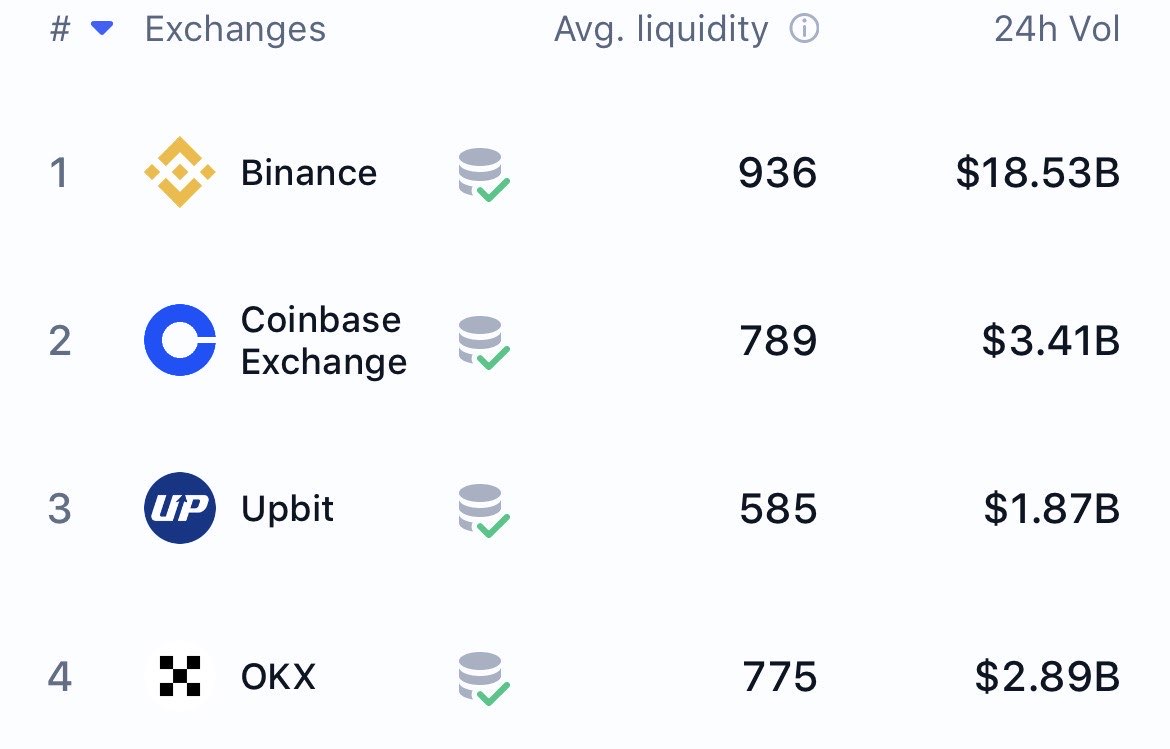
The Best Crypto Exchanges (CEX + DEX) for Bitcoin, Ethereum & Solana + Altcoins (Global + US)
Updated for 2026: Compare the top centralized + decentralized exchanges with the lowest fees, biggest bonuses, and most altcoins. Full rankings for global, US, and DEX users — includes referral links to claim up to $30,000+ in bonuses.